
The Fastest ⚡ Way to Create Social Media Carousels
Crafting visually engaging carousels for social media can be daunting. Our user-friendly tool simplifies the process, while AI helps you write the content.
- creators are already in line. Secure your spot.
See What You Can Create ✨
Scroll to explore carousel examples








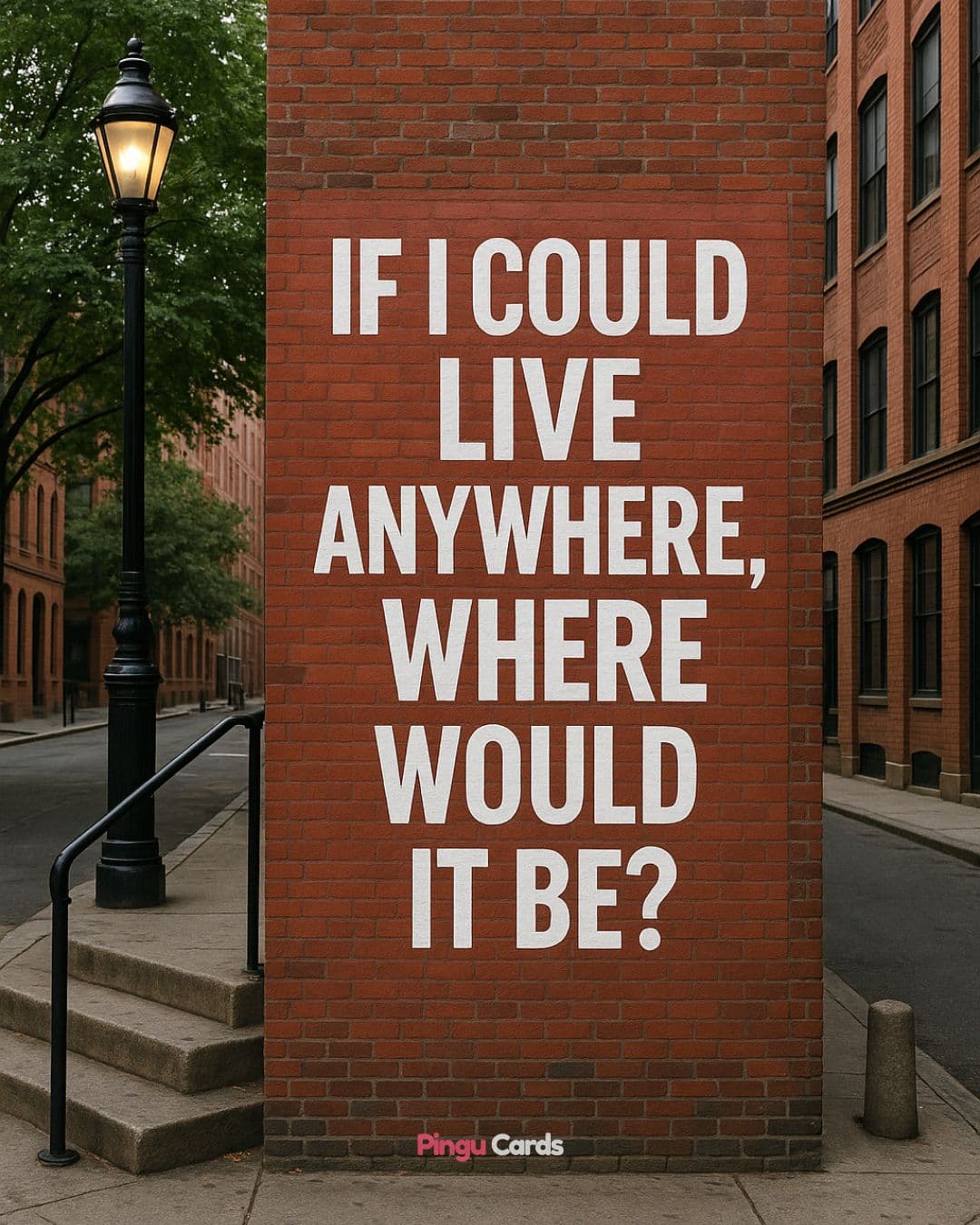
Create Professional Looking Carousels with Ease
AI Writing Assistant
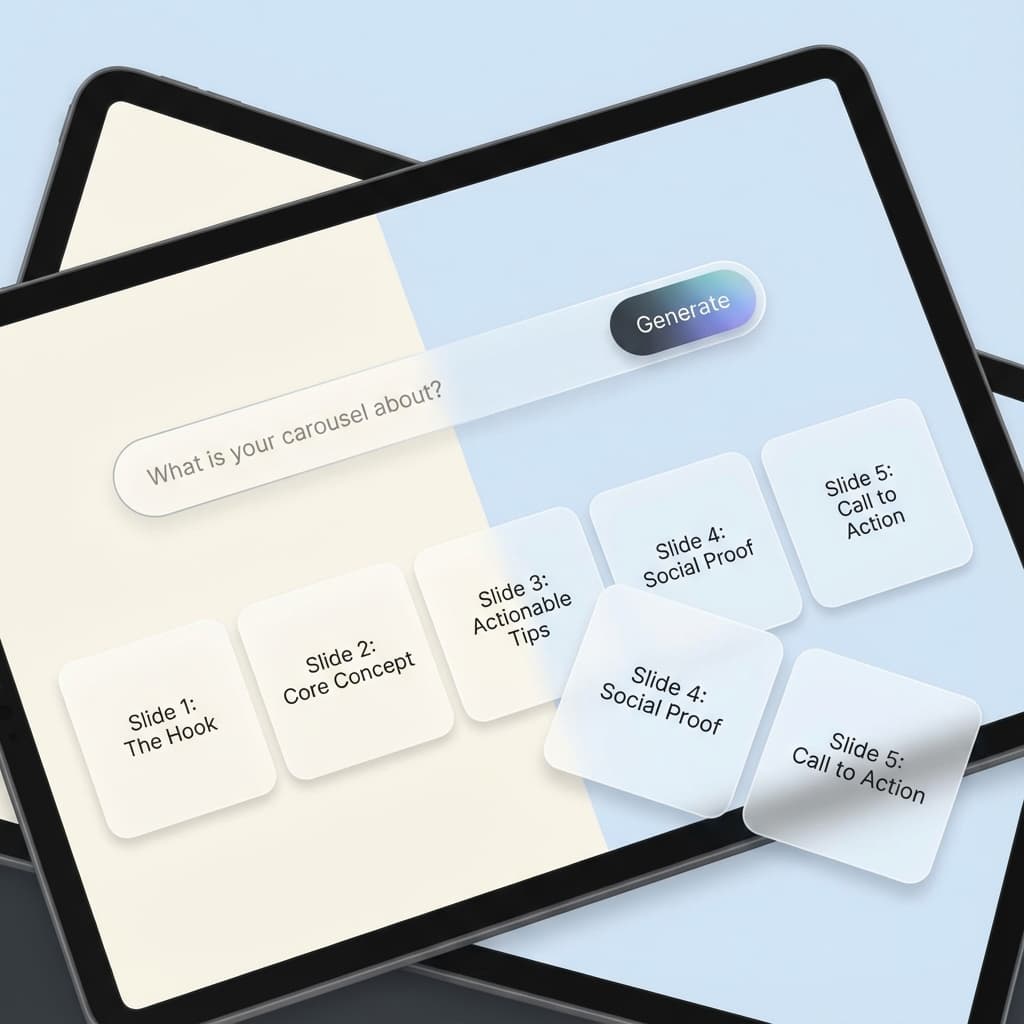
Choose a topic or enter existing content and let the AI write a captivating carousel for you. Edit it as needed to suit your style.
No Design Expertise Required
Our user-friendly design platform makes it simple for even non-designers to effortlessly create eye-catching carousels.
Smart Auto-Resize
Save time with elements that auto-resize, ensuring perfect positioning and legible font sizes.
Predefined Colors & Fonts
Create harmonious designs with our handpicked color palettes and font pairings, taking the guesswork out of what looks good together.
Fully Customizable Templates
Personalize your carousel template to reflect your branding, ensuring a consistent visual identity across your social media platforms.
For LinkedIn, Instagram & TikTok
Create carousels for LinkedIn, Instagram feeds, Instagram stories and TikTok to boost your social media presence.
AI Writing Assistant
No Design Expertise Required
Smart Auto-Resize
Predefined Colors & Fonts
Fully Customizable Templates
For LinkedIn, Instagram & TikTok
Create Professional Looking Carousels with Ease
Everything you need to create stunning social media carousels
AI Writing Assistant
Choose a topic or enter existing content and let the AI write a captivating carousel for you. Edit it as needed to suit your style.
No Design Expertise Required
Our user-friendly design platform makes it simple for even non-designers to effortlessly create eye-catching carousels.
Smart Auto-Resize
Save time with elements that auto-resize, ensuring perfect positioning and legible font sizes.
Predefined Colors & Fonts
Create harmonious designs with our handpicked color palettes and font pairings, taking the guesswork out of what looks good together.
Fully Customizable Templates
Personalize your carousel template to reflect your branding, ensuring a consistent visual identity across your social media platforms.
For LinkedIn, Instagram & TikTok
Create carousels for LinkedIn, Instagram feeds, Instagram stories and TikTok to boost your social media presence.
Schedule & Post Directly
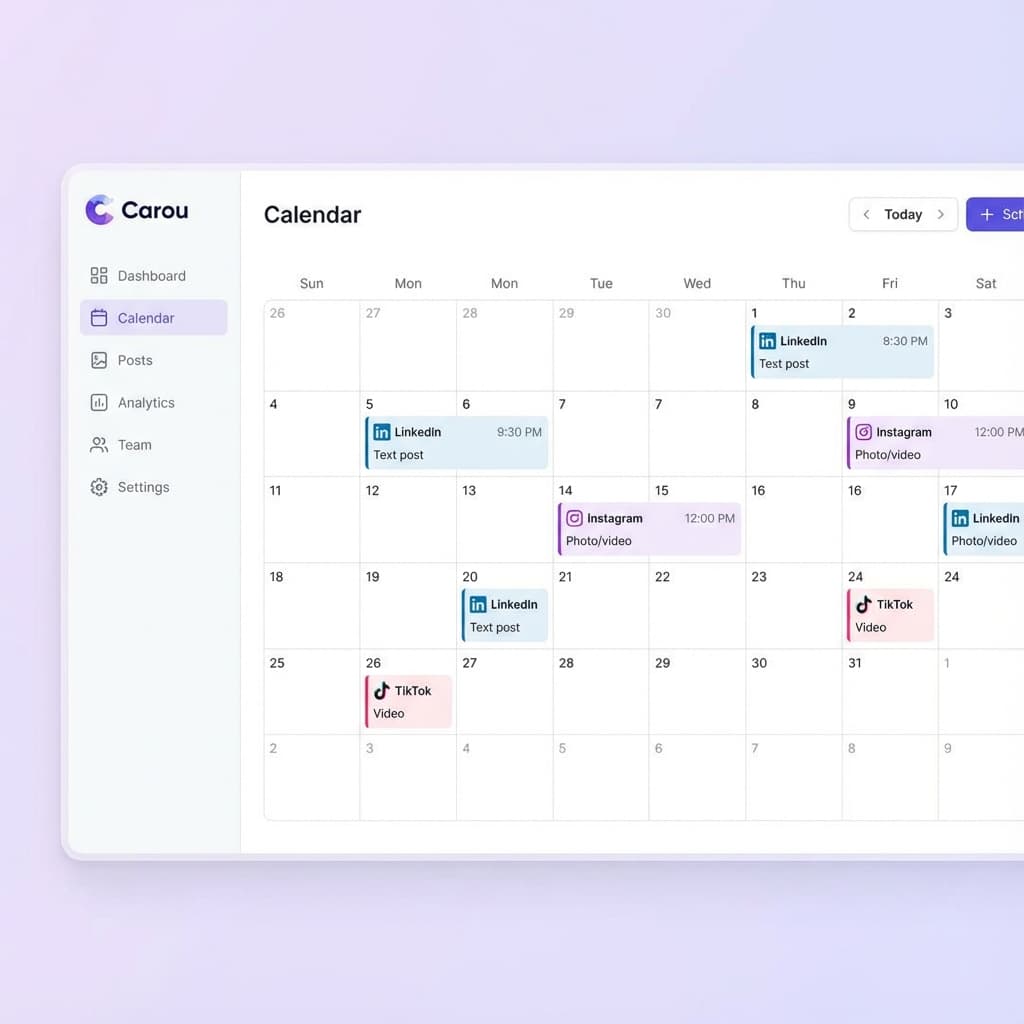
Create your carousels and post them directly to your social media accounts. Schedule content in advance and let Carou handle the rest.
Smart Scheduling
Best times to post recommended by AI
Multi-Platform
Post to LinkedIn, Instagram, and TikTok
Video Support
Convert carousels to video automatically
Instant Publish
One click to publish everywhere
What People Are Saying ⭐
Trusted by thousands of users and recognized by Forbes as a must-try AI tool.
“With Carou's 'Post Directly' feature, we've cut our distribution time in half. Being able to schedule LinkedIn PDFs and Instagram carousels from one place is a massive win for our agency.”

“I've tried every carousel tool out there. Carou is the only one that combines true 'drag and drop' ease with professional results. The auto-resize text feature alone is worth the subscription.”

“I have zero design background, but the templates make me look like a pro. I just pick a style, drop in my text, and it auto-resizes perfectly. My engagement has doubled since I started using this.”

“Consistency is key for personal branding, and Carou makes it easy. I can batch create a month's worth of content in an hour. The Forbes recognition is well-deserved.”

“The AI writing assistant is shockingly good. It doesn't just generate generic fluff; it actually captures the nuance of our technical topics. It's like having a copywriter on standby 24/7.”

Frequently Asked Questions
Everything you need to know about creating carousels with Carou
A social media carousel is a content format that allows users to showcase multiple images within a single post on platforms like Instagram and LinkedIn. Carousels enable brands and individuals to tell a more comprehensive story or share multiple pieces of related content without overwhelming their audience with multiple separate posts. They're an excellent tool for creating visually engaging content that encourages users to interact and explore the entire carousel by swiping or clicking through the slides.
To post a carousel on LinkedIn: 1) Download the PDF containing multiple pages from Carou. 2) Open LinkedIn and click 'Start a post'. 3) Select the document icon to upload your PDF. 4) LinkedIn will automatically convert it into a swipeable carousel. 5) Add a caption and relevant hashtags. 6) Click 'Post' to share with your network.
For Instagram: 1) Download your carousel as individual images from Carou. 2) Open Instagram and tap the '+' icon. 3) Select 'Library' and tap the 'Select Multiple' icon. 4) Choose up to 20 images for your carousel. 5) Tap 'Next' to edit and arrange the order. 6) Add a caption, hashtags, and tags. 7) Tap 'Share' to publish.
Yes! You can use Carou to create carousel ads for various platforms including Facebook, LinkedIn, Instagram, and other platforms that support carousel ad formats. Make sure to review the ad specifications and guidelines provided by each platform to ensure your ads meet their requirements.
For TikTok: 1) Tap the '+' icon to start creating content. 2) Tap 'Upload' in the bottom right corner. 3) Select the photos from your gallery. 4) Add music and effects on the editing page. 5) Add a caption and relevant hashtags. 6) Tap 'Share' to upload your carousel.
Start Designing Stunning Carousels Today 🎨✨
Join thousands of content creators who are already using Carou to boost their social media presence.