
10 Content Ideas for Your Next Social Media Carousel
Running out of carousel ideas? Here are 10 proven content formats that work across LinkedIn, Instagram, and TikTok.

Creating consistent content is one of the biggest challenges for social media creators. Coming up with fresh carousel ideas day after day can feel overwhelming.
The good news? You don't need to reinvent the wheel. These 10 proven formats work across all platforms and can be adapted to any niche.
1. How-To Guides
Step-by-step tutorials are carousel gold. Break down a process into 5-8 actionable steps, with each slide covering one step. Include tips and common mistakes to avoid.
2. Myth vs. Reality
Challenge common misconceptions in your industry. Present a myth on one slide and the reality on the next. This format sparks discussion and positions you as an expert.
3. Before and After
Show transformation. Whether it's a design makeover, a mindset shift, or a skill improvement, visual contrasts are powerful and memorable.
4. Numbered Lists
"5 Tools I Can't Live Without" or "7 Habits of Successful Creators" - people love numbered lists. They set clear expectations and are easy to consume.
5. Quote Compilations
Curate quotes around a theme. Add your own commentary or perspective to make it unique. Great for inspiration and easy to create.
6. Behind the Scenes
Show your process, workspace, or daily routine. People connect with authenticity and love seeing how things are made.
7. Comparison Posts
Compare two approaches, tools, strategies, or mindsets. Use a consistent slide format to make the comparison clear and visual.
8. Timeline or Journey
Document your journey, a historical timeline, or the evolution of something in your field. Stories create emotional connections.
9. Checklists
Provide a practical checklist your audience can save and reference. Make each item actionable and specific.
10. Data Visualizations
Turn statistics and research into visual stories. Charts, graphs, and infographics make data accessible and shareable.
Tips for Executing These Ideas
No matter which format you choose, keep these principles in mind:
- Start with a scroll-stopping hook
- Keep each slide focused on one idea
- Use consistent branding throughout
- End with a clear call-to-action
- Optimize text size for mobile viewing
Your Turn
Pick one format from this list and create your carousel today. The best way to improve is through practice and iteration.
With Carou, you can create any of these carousel formats in minutes. Our AI helps you write compelling copy, and our templates handle the design.
Frequently Asked Questions
Related Articles
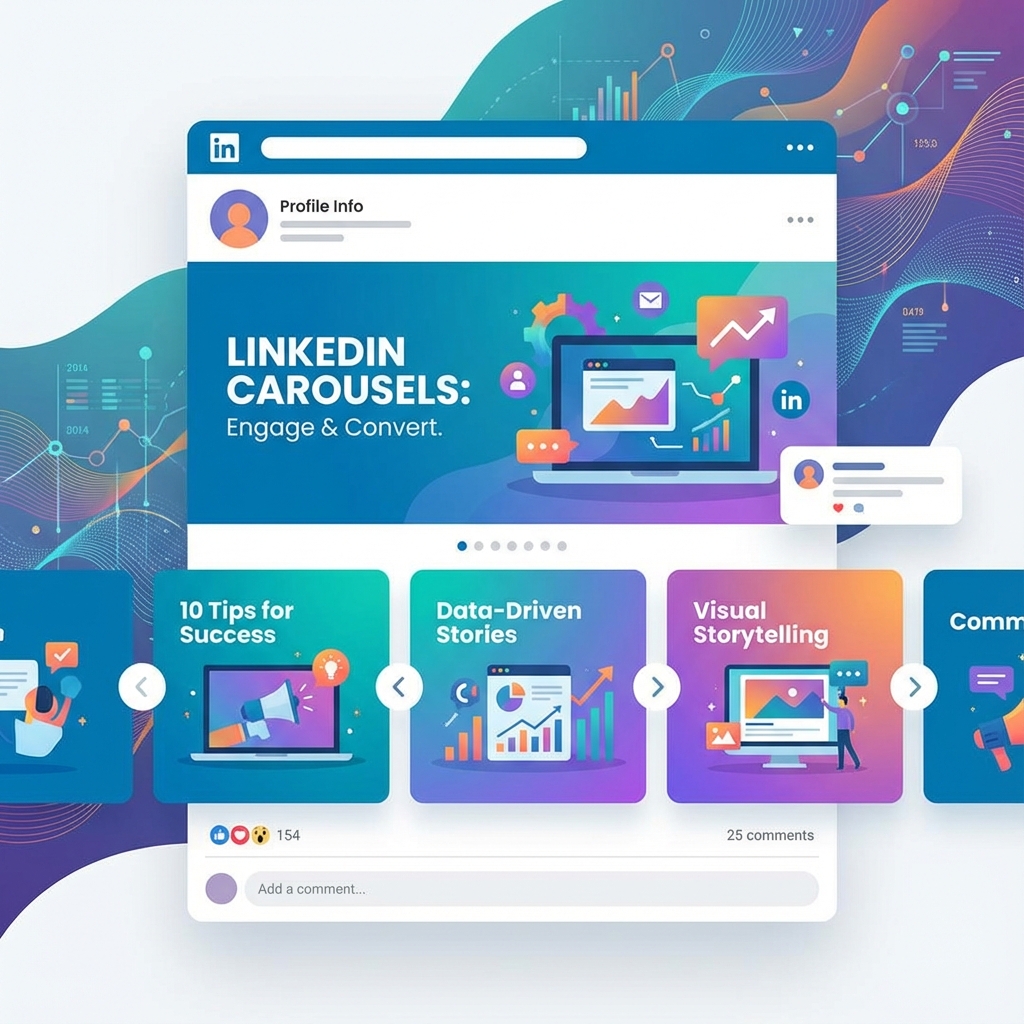
How to Create Engaging LinkedIn Carousels That Get Results
Learn the proven strategies for creating LinkedIn carousels that capture attention, drive engagement, and grow your audience.
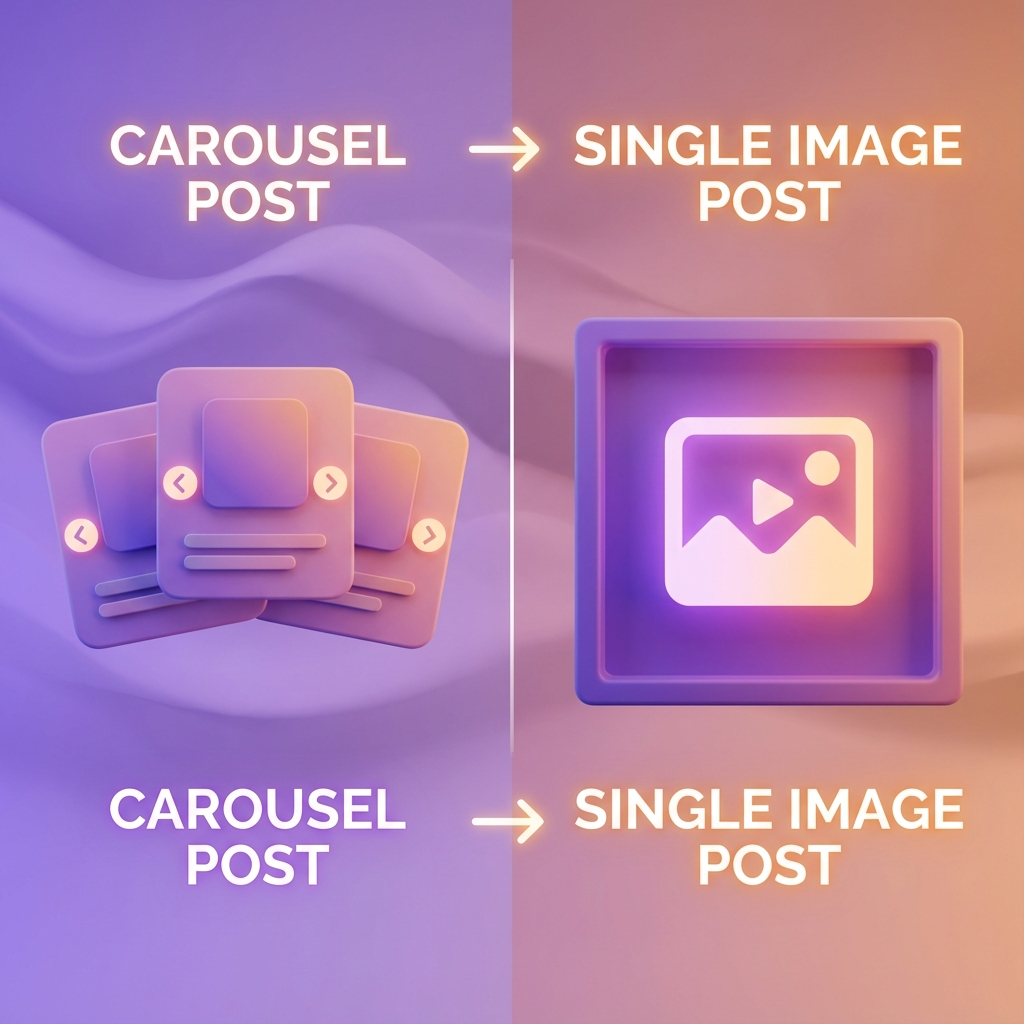
Instagram Carousel vs. Single Image: Which Gets More Engagement?
We analyzed engagement data to find out whether carousels or single images perform better on Instagram. Here's what the data shows.
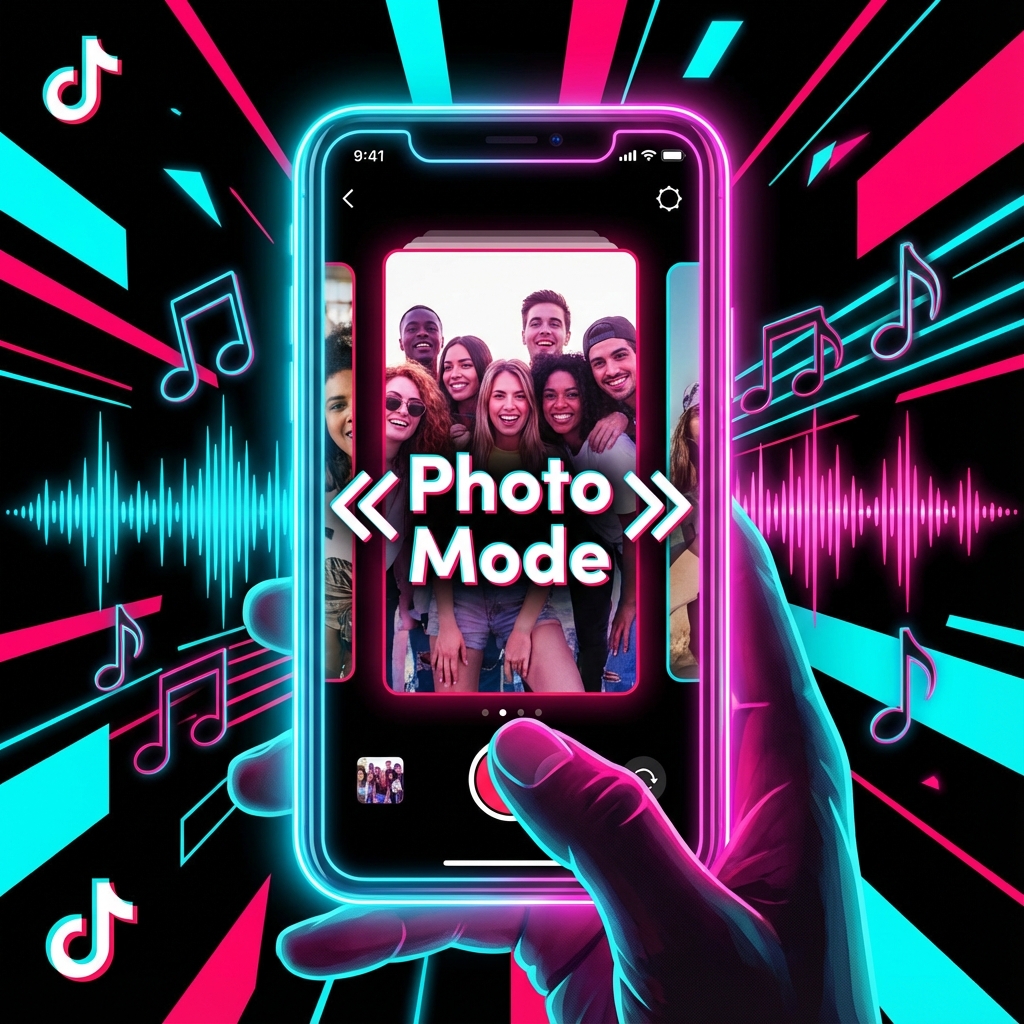
TikTok Carousels: The New Feature You Need to Know About
TikTok now supports carousel posts. Here's everything you need to know about this game-changing feature and how to use it effectively.