
How to Create Engaging LinkedIn Carousels That Get Results
Learn the proven strategies for creating LinkedIn carousels that capture attention, drive engagement, and grow your audience.
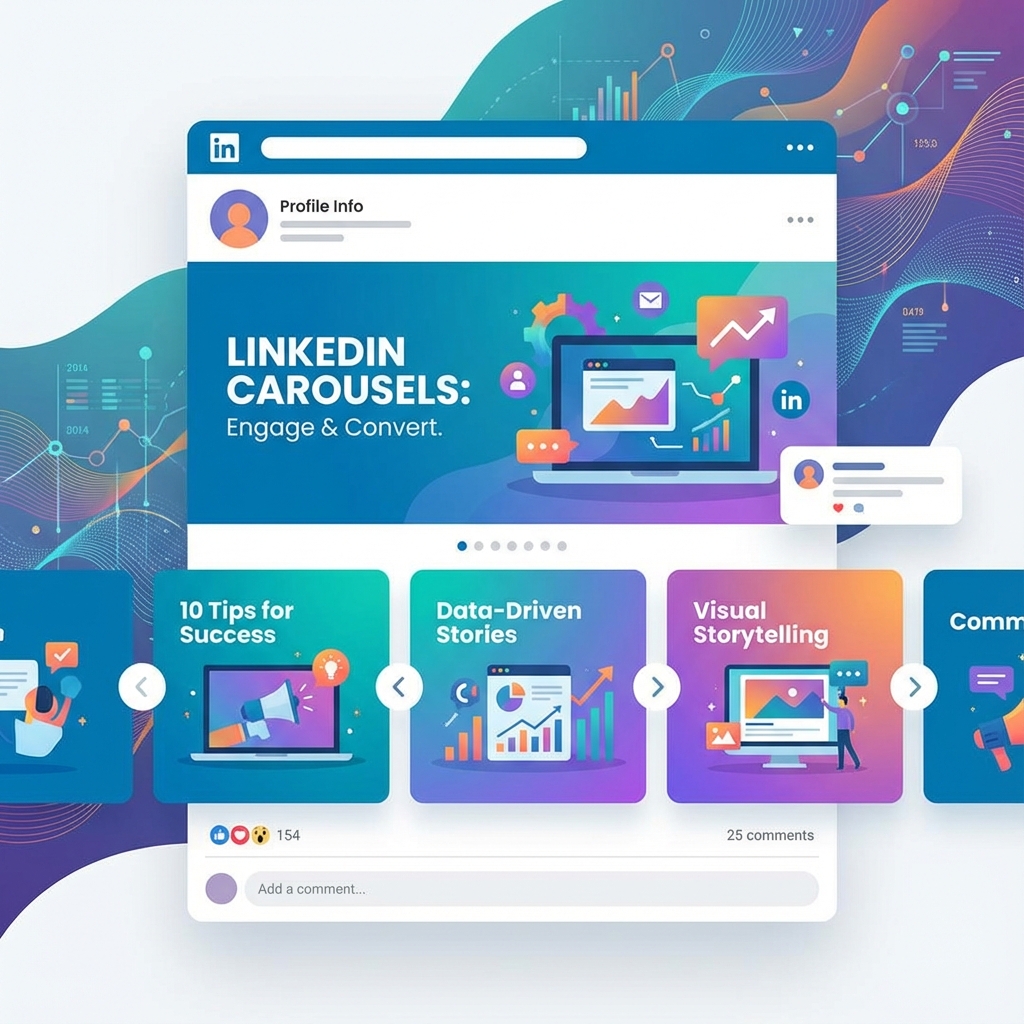
LinkedIn carousels have become one of the most powerful content formats on the platform. They consistently outperform single images and text-only posts when it comes to engagement and reach.
Why LinkedIn Carousels Work
Carousels work because they tap into our natural curiosity. When someone sees "Slide 1 of 10," they're compelled to swipe through and see what comes next. This creates a mini-journey that keeps people engaged with your content longer.
The Psychology Behind the Swipe
- **Curiosity gap**: Each slide creates anticipation for the next
- **Investment effect**: Once people start swiping, they want to finish
- **Easy consumption**: Bite-sized content is easier to digest than long posts
Creating Your First Carousel
The key to a great carousel is structure. Every successful carousel follows a similar pattern:
1. Hook Slide
Your first slide needs to stop the scroll. Use a bold statement, a surprising statistic, or a question that resonates with your target audience. This is the most important slide in your carousel.
2. Content Slides
These are where you deliver on the promise of your hook. Keep each slide focused on one idea. Use short sentences and plenty of white space.
3. Call-to-Action Slide
Always end with a clear next step. Whether it's asking for a comment, directing to your profile, or promoting a resource, give your audience something to do.
Best Practices for Design
Good design makes your carousel stand out in a crowded feed:
- Use consistent fonts and colors throughout
- Include your branding on each slide
- Keep text large enough to read on mobile
- Use high-contrast colors for readability
Common Mistakes to Avoid
Many people struggle with carousels because they make these avoidable errors:
- Cramming too much text on each slide
- Using inconsistent branding across slides
- Forgetting to include a call-to-action
- Not optimizing for mobile viewing
Measuring Success
Track these metrics to understand how your carousels perform:
- Impressions and reach
- Engagement rate (likes, comments, shares)
- Dwell time (how long people view your post)
- Profile visits and connection requests
Remember, great carousels take practice. Start creating, analyze what works, and continuously improve your approach.
Frequently Asked Questions
Related Articles

10 Content Ideas for Your Next Social Media Carousel
Running out of carousel ideas? Here are 10 proven content formats that work across LinkedIn, Instagram, and TikTok.
Instagram Carousel vs. Single Image: Which Gets More Engagement?
We analyzed engagement data to find out whether carousels or single images perform better on Instagram. Here's what the data shows.
TikTok Carousels: The New Feature You Need to Know About
TikTok now supports carousel posts. Here's everything you need to know about this game-changing feature and how to use it effectively.