
Instagram Carousel vs. Single Image: Which Gets More Engagement?
We analyzed engagement data to find out whether carousels or single images perform better on Instagram. Here's what the data shows.
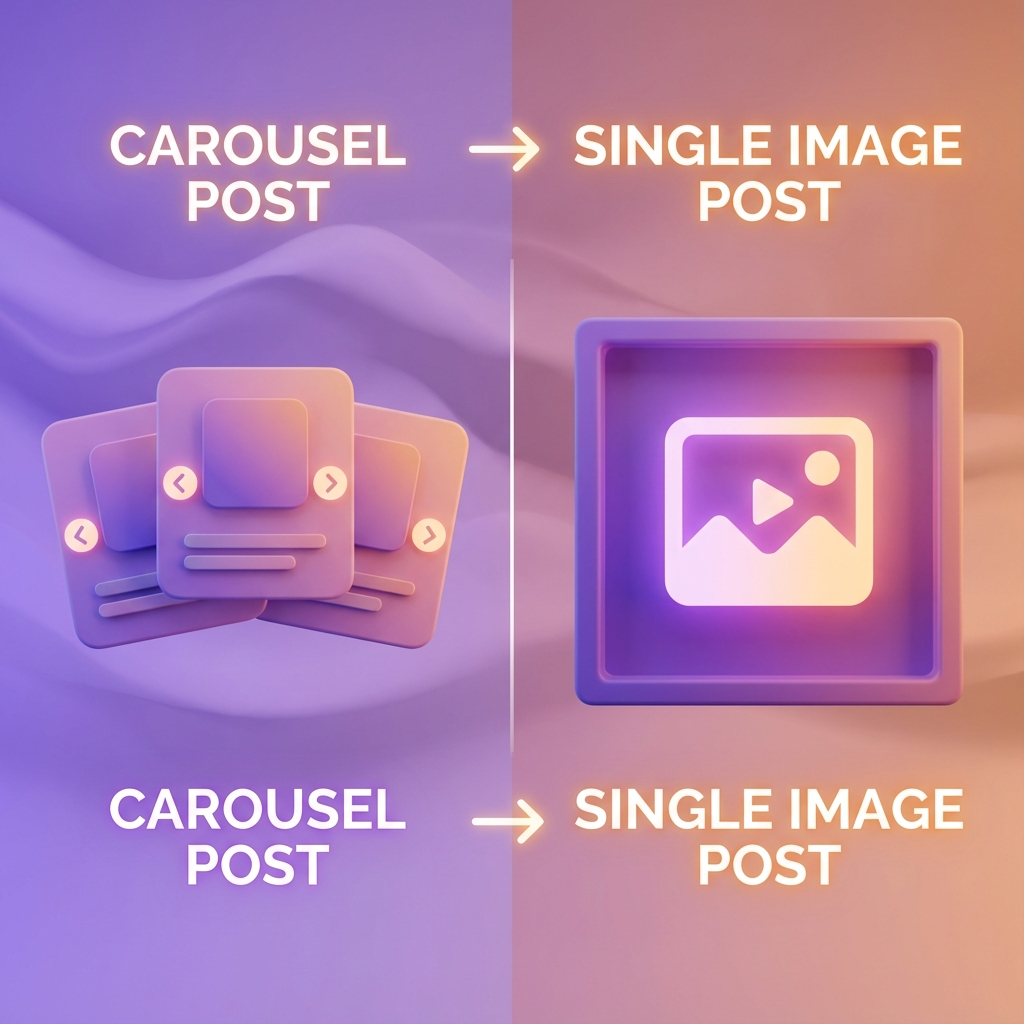
There's been a lot of debate in the social media world: should you post carousels or single images on Instagram? We dug into the data to find out.
What the Data Says
Multiple studies have analyzed millions of Instagram posts to compare performance:
- Carousels get 1.4x more reach than single images
- Carousels receive 3.1x more engagement on average
- Time spent on carousel posts is 2x longer than single images
Why Carousels Outperform
The numbers are clear, but why do carousels work so well?
The Algorithm Loves Them
Instagram's algorithm prioritizes content that keeps users on the platform longer. Carousels naturally increase dwell time as users swipe through each slide.
Multiple Chances to Engage
If someone doesn't engage the first time they see your carousel, Instagram may show it to them again starting from a different slide. This gives you multiple opportunities to capture attention.
More Value Per Post
Carousels allow you to deliver more value in a single post. You can tell a complete story, share multiple tips, or provide comprehensive guides.
When to Use Each Format
While carousels generally outperform, there are times when single images make more sense:
Use Carousels For: - Educational content and tutorials - Listicles and tips - Storytelling and narratives - Product showcases - Before/after reveals
Use Single Images For: - Quick announcements - Aesthetic shots - Memes and humor - Quotes - Personal moments
Optimizing Your Instagram Carousels
If you're going to invest time in creating carousels, make sure they're optimized for maximum performance:
Design Tips
- Use 1080 x 1080 or 1080 x 1350 dimensions
- Keep text large and readable
- Maintain consistent branding across slides
- Use high-contrast colors
Content Tips
- Hook them on the first slide
- Create a "swipe trigger" on each slide
- Make each slide valuable on its own
- End with a clear call-to-action
Tech Specs That Matter
Don't let technical issues ruin your engagement. Ensure you're hitting these specs: - **Aspect Ratio:** 4:5 (1080 x 1350 pixels) takes up more screen real estate than square posts. - **File Type:** JPG for photos, PNG for graphics. - **Capacity:** You can use up to 10 slides (and recently Instagram has been testing up to 20 frames in some regions). A longer carousel isn't always better, but it does offer more dwell time potential.
Key Engagement Metrics to Track
When testing carousels vs. single images, don't just look at likes. Focus on these deeper metrics:
1. Reach Rate Are your carousels being shown to more people? High reach indicates the algorithm favors your format.
2. Save Rate Carousels are often "save-heavy" because they contain educational content that users want to reference later. A high save rate signals to Instagram that your content is valuable.
3. Share Rate Single images (especially memes/quotes) often get more shares to stories, while informative carousels get sent via DMs. Track both.
4. Average Impressions per User This is unique to carousels. If this number is greater than 1, it means users are seeing your post multiple times—likely because Instagram served them the second slide after they scrolled past the first.
The Bottom Line
Carousels consistently outperform single images on Instagram. If you're serious about growing your presence, incorporating more carousels into your content strategy is a smart move.
That said, variety is important. Mix carousels with other content types to keep your feed interesting and your audience engaged. A healthy mix might look like 50% carousels, 30% Reels, and 20% single images.
Frequently Asked Questions
Related Articles
How to Create Engaging LinkedIn Carousels That Get Results
Learn the proven strategies for creating LinkedIn carousels that capture attention, drive engagement, and grow your audience.

10 Content Ideas for Your Next Social Media Carousel
Running out of carousel ideas? Here are 10 proven content formats that work across LinkedIn, Instagram, and TikTok.
TikTok Carousels: The New Feature You Need to Know About
TikTok now supports carousel posts. Here's everything you need to know about this game-changing feature and how to use it effectively.